Troubleshooting
Published April 2026
Common operator failures, the CLI surfaces that show the truth, and the recovery commands to use when a local rig or OpenRig state goes sideways.
Install or daemon health looks wrong
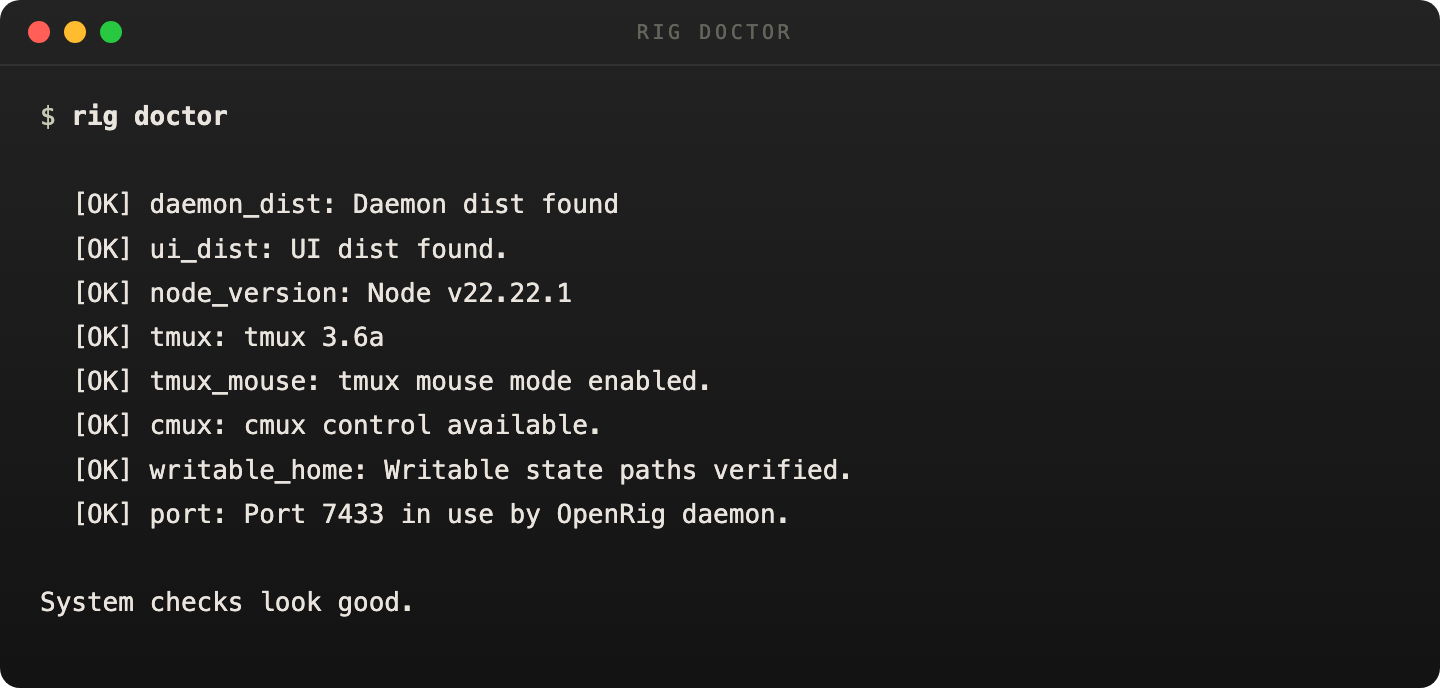
Start with rig doctor. It verifies packaged assets, Node, tmux, writable state paths, and daemon port availability before you chase the wrong problem.
If the daemon still looks wrong, check port ownership directly and then inspect the daemon state with rig daemon status.
rig doctor
rig daemon status
lsof -i :7433
It is the fastest honest read on whether the local OpenRig install is healthy.
A node says READY but the agent is stuck
Attach to the tmux session directly first. Most apparent hangs are a blocked prompt or a stalled agent process rather than a bad rig topology.
If the node needs to be relaunched, use rig launchagainst the specific node instead of destroying the whole rig.
tmux attach -t <session-name>
rig launch <rigId> <nodeRef>
Restore came back mixed or partially fresh
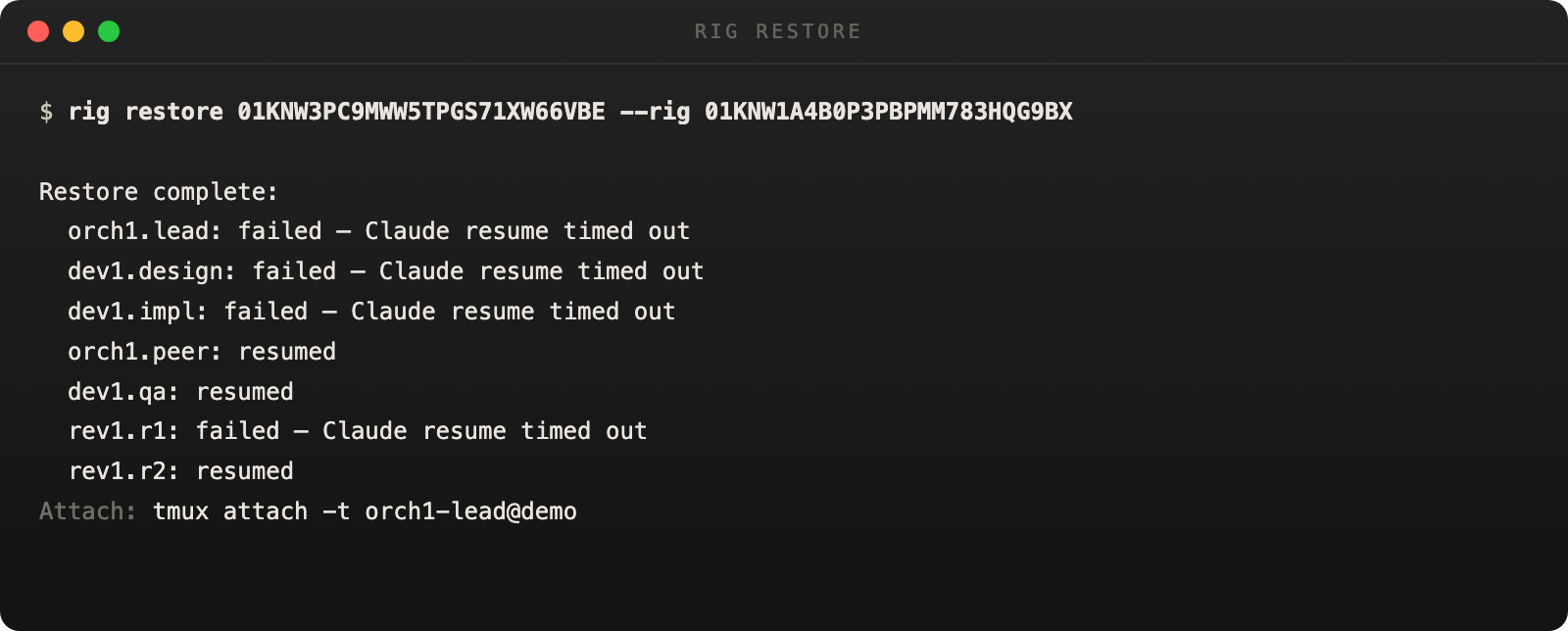
A restore is not all-or-nothing. OpenRig reports per-node outcomes directly in the handoff, so the first move is to read the restore result closely instead of assuming every node resumed the same way.
Use rig ps --nodes to see the current live state, then decide whether to keep the fresh node, relaunch one node, or restore again from a more specific snapshot.
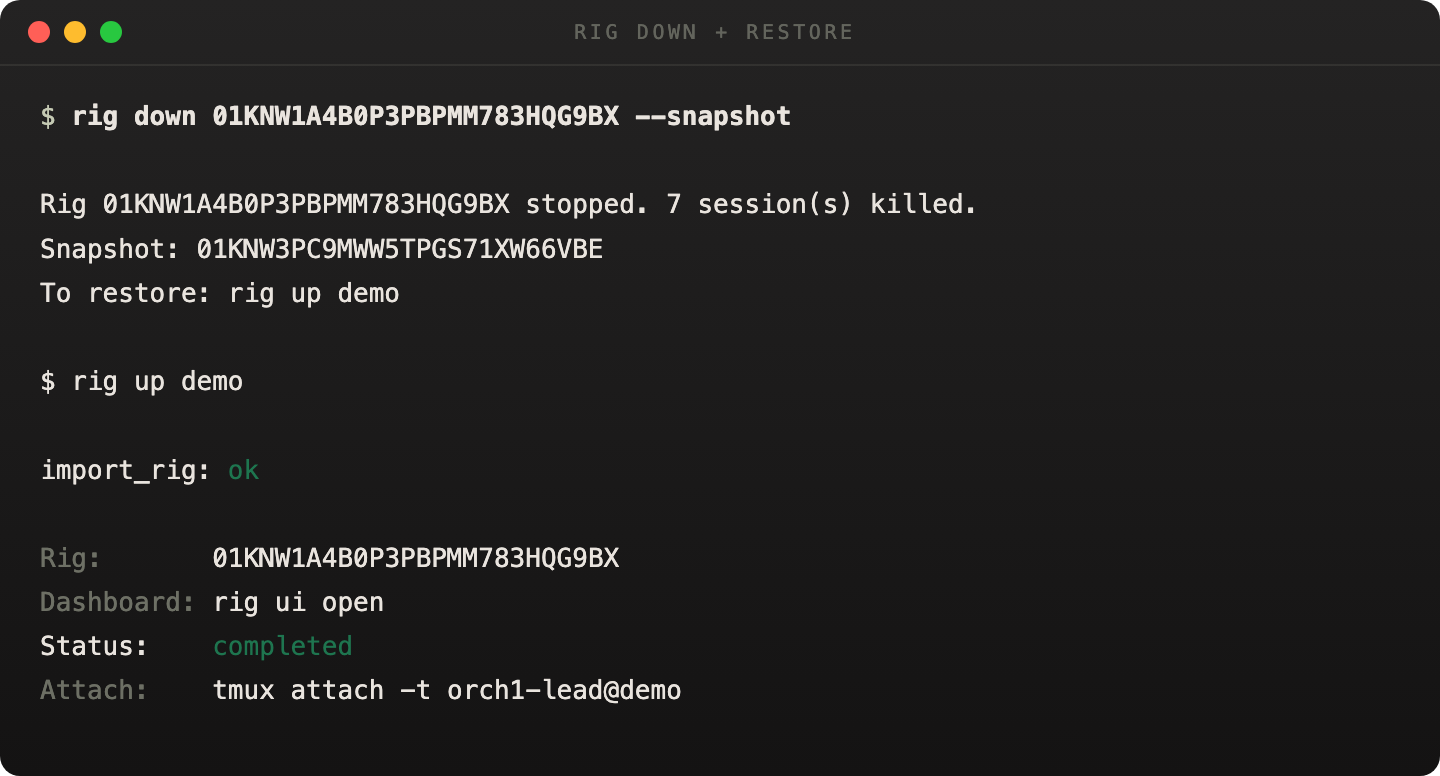
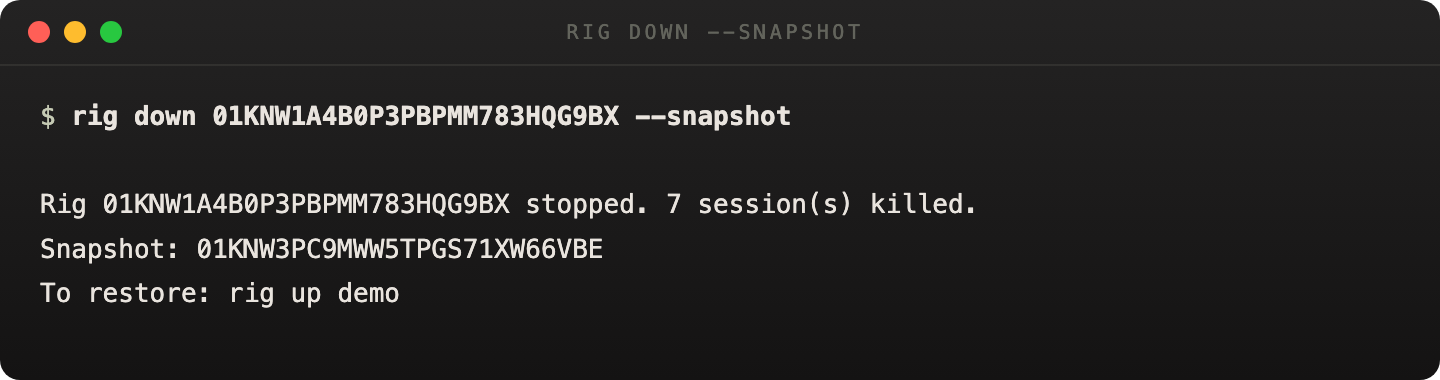
Snapshot teardown and restore-by-name belong together. That is the path operators should expect to follow.
Resumed, fresh, and failed nodes are reported explicitly in the restore handoff.
When snapshot succeeds, the CLI hands you the restore command immediately.
Managed app looks stale
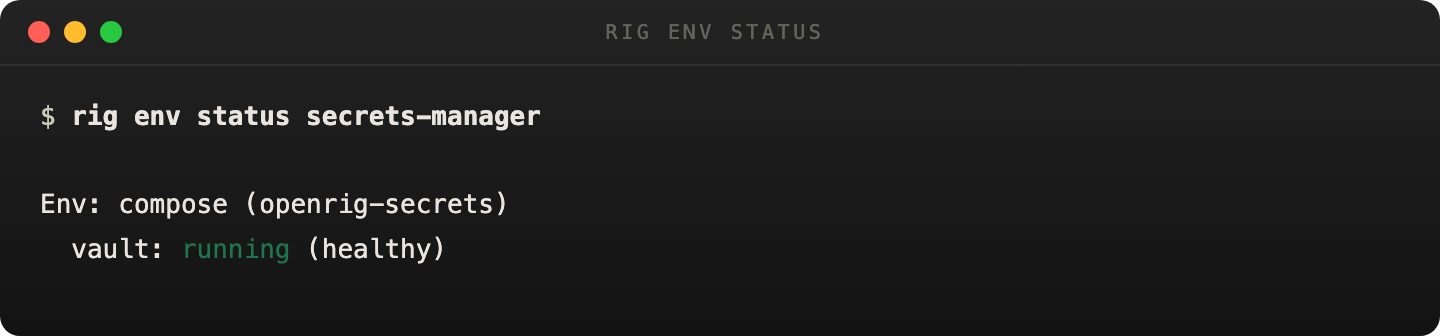
For service-backed rigs, do not infer environment truth from rig ps alone. Use rig env status <rig> to get the current env receipt and freshness probe.
If the environment is unhealthy, inspect logs with rig env logs or tear it down with rig env down.
rig env status secrets-manager
rig env logs secrets-manager vault
rig env down secrets-manager
Use the environment receipt for managed-app health instead of guessing from rig state alone.
OpenRig local state is polluted
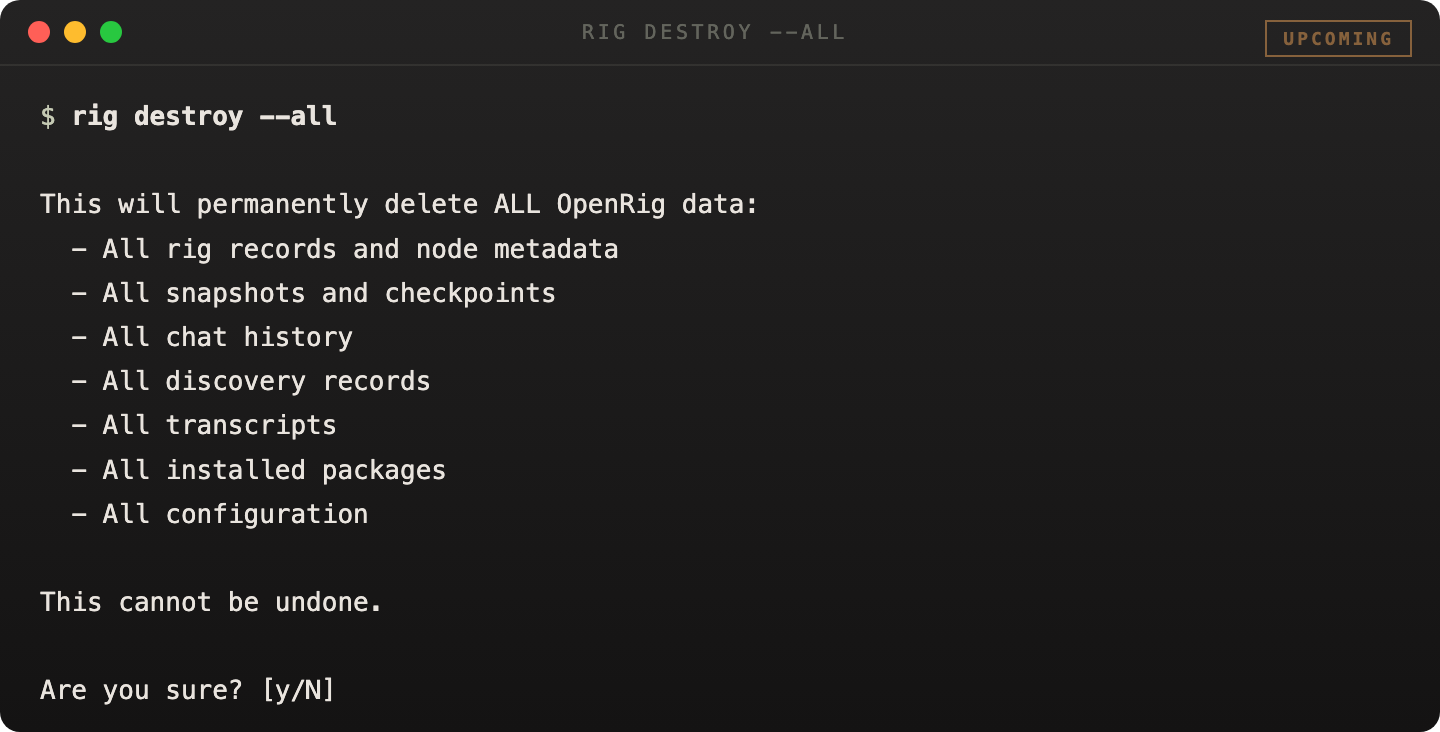
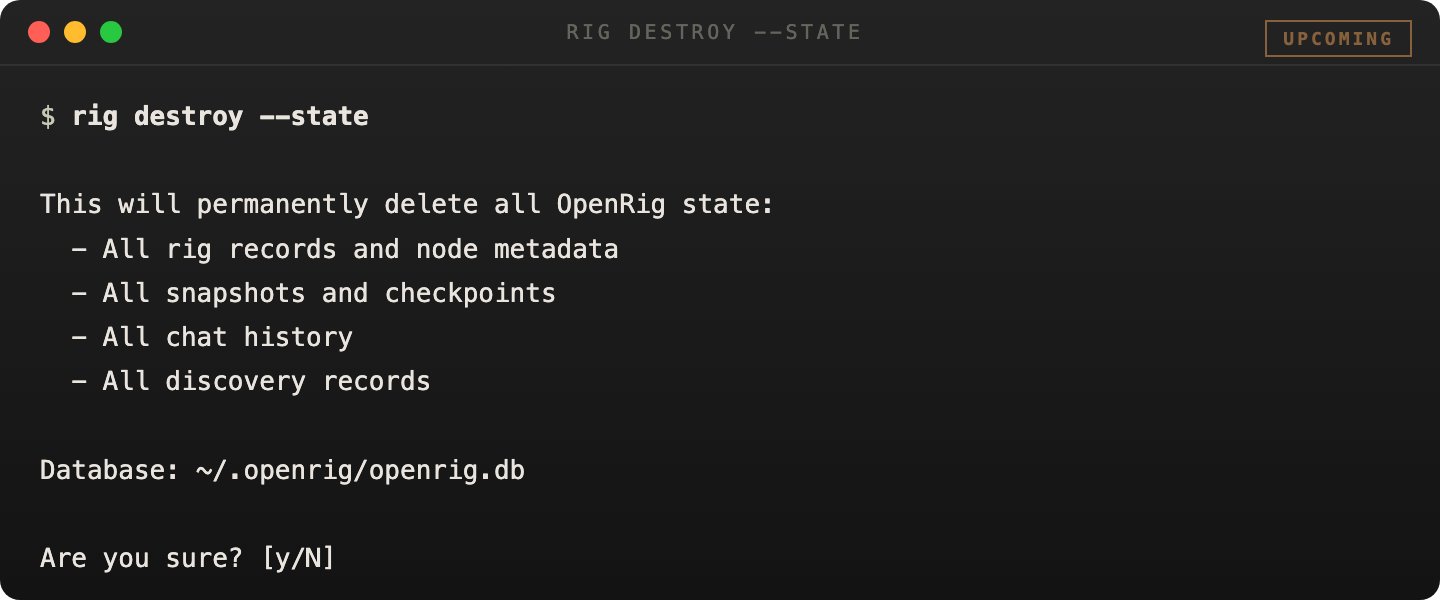
rig destroy is the shipped destructive recovery surface for bad local OpenRig state. Use --state when you want a clean state root, or --all when you also want conservative cleanup of managed tmux sessions discoverable from current OpenRig state.
These commands are intentionally guarded. They require --yes and the explicit confirmation token destroy-openrig-state.
# Reset only local OpenRig state
rig destroy --state --backup --yes --confirm destroy-openrig-state

# Reset local state and managed sessions
rig destroy --all --yes --confirm destroy-openrig-state
Stops the daemon, clears the active listener if needed, and recreates an empty state root.
Includes state reset plus conservative cleanup of managed tmux sessions found from current OpenRig state.